
I dont think systemd will expand the ~, try replacing the ExecStart=/bin/bash ~/.local/bin/ocamlfuseStartup.sh line with ExecStart=/bin/bash %h/.local/bin/ocamlfuseStartup.sh, this will expand to your home directory, if its still giving a not found error, try running which google-drive-ocamlfuse in a terminal and make sure the path is correct
- 1 Post
- 6 Comments
Joined 2 years ago
Cake day: July 5th, 2023
You are not logged in. If you use a Fediverse account that is able to follow users, you can follow this user.
The 203 error you got is because your script isnt a valid executable, it needs to have a shebang at the top, you can change it to something like this and set the executable bit with
chmod +x <file>#!/usr/bin/env bash google-drive-ocamlfuse ~/googledrivethis tells it to run using bash as the interpreter.
Im not familliar with this google drive software, but im figuring that its exiting with an error code cuz its running as a system service, and $HOME probobly isnt set so
~doesnt expand and the software gets an invalid path.But I recommend using a user service for this, it will run when you login, you should be able to copy the service file you already have into
~/.config/systemd/user/and runsystemctl --user daemon-reloadandsystemctl --user enable startup.service --now, this will enable and start the service in one go.I also recommend adding the following lines under
[]Type=simple Restart=always RestartSec=60idk if the software will exit if it loses network or wifi or anything, but this will have it automatically restart after 60 seconds, should it exit for any reason.
If you need it to run before login, it is possible to do with a system service, but it will need a bit more setup

 10·11 months ago
Heres a python script I made up from just modifying another script I use, it depends on qbittorrent-api, but to use just fill out the connection info and add all the trackers you want to remove in the
TRACKERSarray, I’ve included 2 rarbg trackers just as an example.#!/usr/bin/env python3 import qbittorrentapi import sys TRACKERS = [ "udp://9.rarbg.to:2770/announce", "udp://9.rarbg.me:2730/announce" ] conn_info = dict( host = "qbittorrent.localhost", port = 80, username = "admin", password = "PASSWORD" ) def main (argv, argc): qbt_client = qbittorrentapi.Client(**conn_info) try: qbt_client.auth_log_in() except qbittorrentapi.LoginFailed as e: print(e) return 1 for torrent in qbt_client.torrents_info(): #urls = [] #for tracker in torrent.trackers: #print(tracker) #urls.append(tracker.url) torrent.remove_trackers(urls=TRACKERS) #torrent.add_trackers(urls=TRACKERS) qbt_client.auth_log_out() return 0 if __name__ == "__main__": sys.exit(main(sys.argv, len(sys.argv)))
I use qBittorrent, I have used I2PSnark in the past, and it felt clunky and slow, and it was kinda difficult to use
Ive been torrenting on I2P with qBittorrent for a lil while now, its not as fast as the clearnet, the fastest speed down ive ever got so far is 1.7MB/s, and this was on a torrent with loads of seeders. Its possible to increase your tunnel quantity and lower the amount of hops each tunnel has for better performance, but you will have less anonymity with less tunnel length.
But so far its been nice, there is no need to think about NAT/Firewall, as all peers can communicate with each other, but it doesnt have as much content as the clearnet, so I try to cross-seed what I can. But when im torrenting, I try to go I2P-first, and then fallback on the clearnet if I couldnt find what I was looking for.

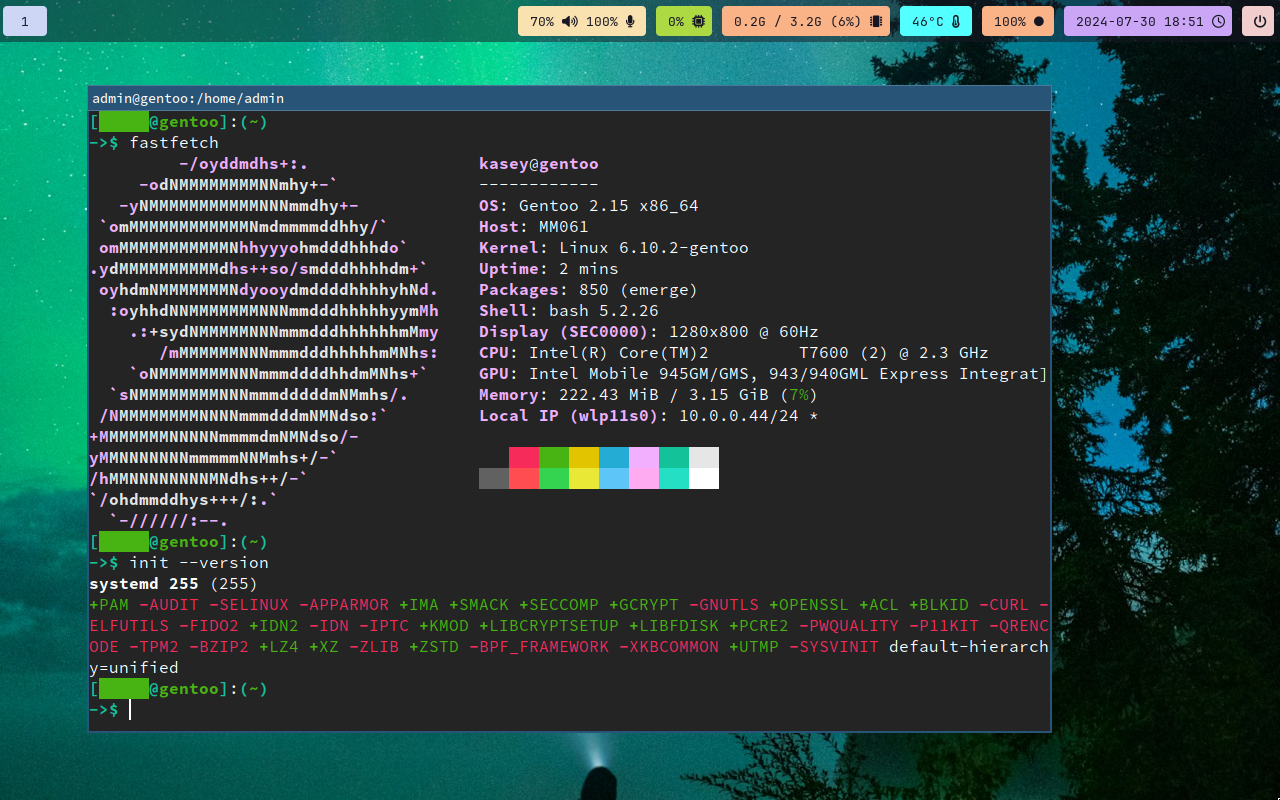
It looks like its creating a new process and going in the background and systemd cant track it anymore, so it thinks that its exited and tries restarting. I took a link Oscar sent, and I saw that there is a systemd service and the
Typeis set toforking, I think this could solve the problem, they also have anExecStopline, id set it toExecStop=fusermount -u %h/googledriveso it will unmount properly whenever you manually stop the service. So try settingType=forking, and adding theExecStopline, hopefully this will stop systemd from restarting it when it hasnt actually exited